







Jirango at the centre of your systems
An API that connects the event to the CRM, finance system, BI and the login you already have. No one-off exports that disappear.
The essentials first
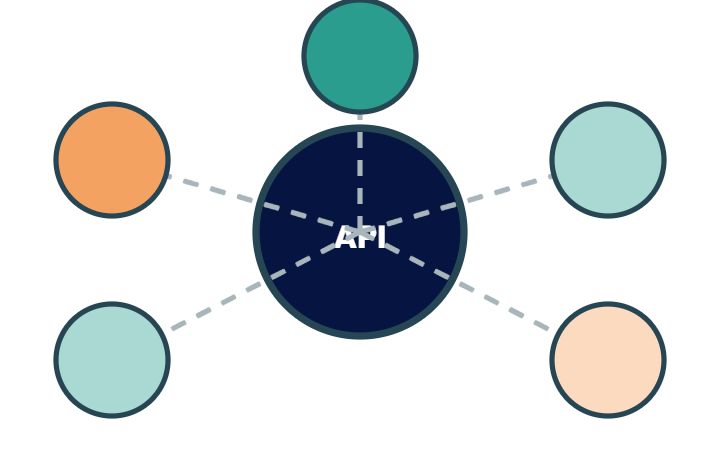
API at the centre
Participants, tickets, sessions and orders are available to the systems that need them — in real time.
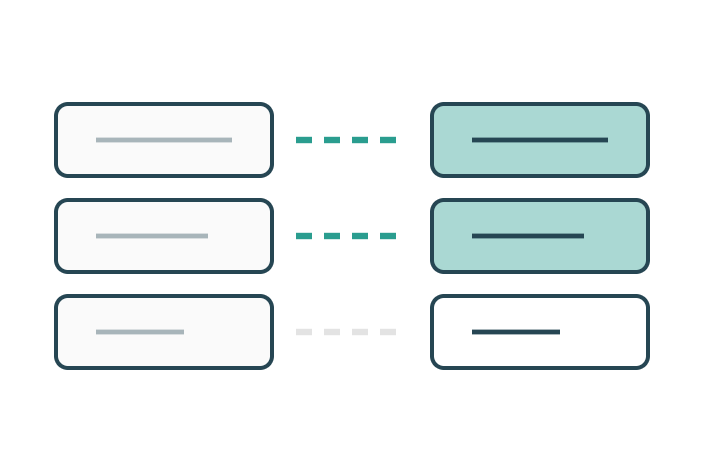
Column matching
Import last year's list or the membership register and map the columns to Jirango's fields.
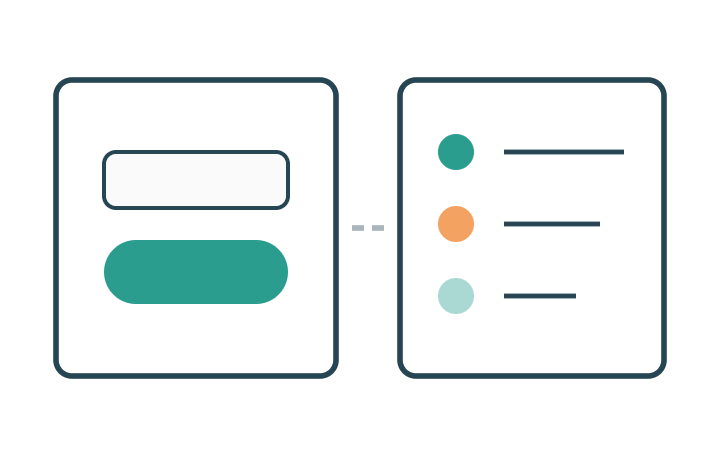
SSO and events
One login for the whole organisation, and events passed on the same second they happen.
Everything included
The whole integration layer in plain words — every feature included, nothing left out. Ask if the system you need to connect to isn't listed here.
API
- REST API covering participants, tickets, sessions, payments and partners
- Read and write — not just fetch
- Authentication with a key and a limited scope per key
- Documentation with examples
- Test environment to build against before going live
- Versioning so that an update doesn't break your connection
Webhooks
- Events to listen for: registration, payment, cancellation, check-in, change
- Your own receiving address per event type
- Retries when your receiver doesn't respond
- Delivery log with response codes
Ready-made connections
- CRM — participants and leads into the customer register
- Finance systems for vouchers and invoices
- Marketing automation for email flows
- BI and reporting tools with a continuous data flow
- Calendar — Outlook and Google
- Payment providers for card and Swish
- Single sign-on with your directory service
Field mapping
- Custom fields mapped to the corresponding fields in your system
- Duplicate rules when matching on a person
- Direction per field — in, out or both ways
- Filters so only relevant records are synced
Operation
- Sync status with the latest run and the number of records
- Error queue with what didn't go through, and why
- Alerts on errors to your technical contact
- Manual export and import as a complement
- A technical contact person on our side during set-up
The details that make the difference
The things that turn up in week three of planning — built in from the start.
CRM
Leads and participants synced to the sales system without anything in between.
Finance systems
Vouchers and invoice data straight into the accounts.
BI
Raw data for your own reports and dashboards.
Documentation
Open API documentation that your developer can read without phoning us.
We connected our CRM and never had to export a file again.Systems manager, trade association