




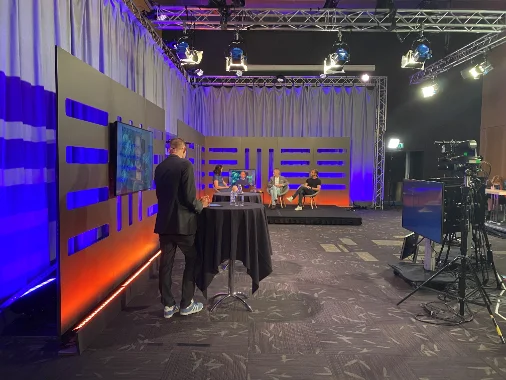



The audience answers — while the speaker is talking
Polls, questions from the audience and a quiz in the break. Participants use their own phones, and the results are shown on the big screen.
The essentials first
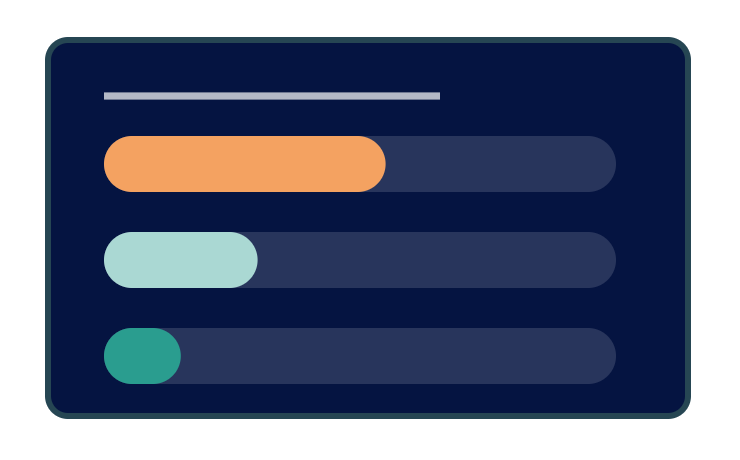
Live polls
The question on the screen, the answers from the room. The bars move in real time and the speaker can follow up straight away.
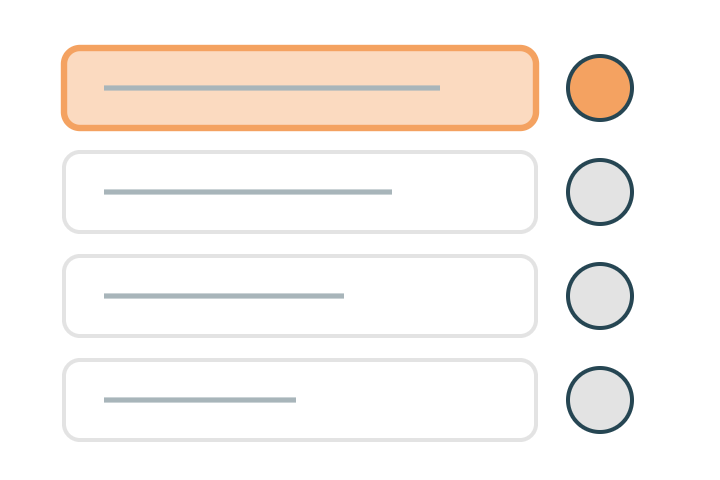
Questions from the audience
Participants send in questions, which can be checked before they are passed to the moderator. The moderator picks the most interesting ones.
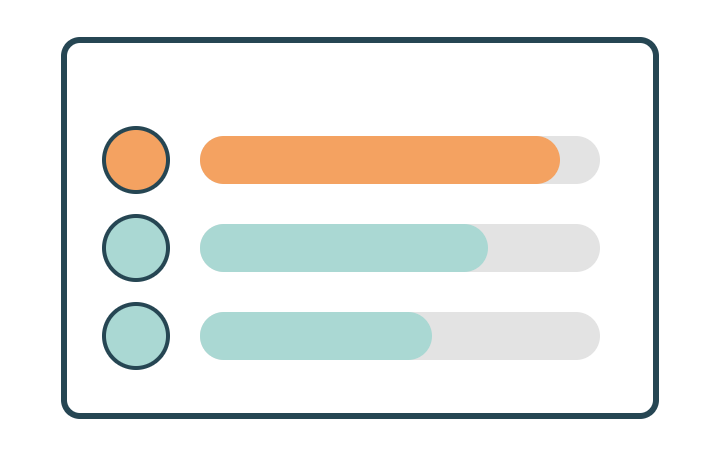
Quiz and leaderboard
A quiz between sessions with the results on the screen — without anyone downloading an extra app.
Everything included
The whole interaction module in plain words — every feature included. Ask if the format you want to run isn't listed here.
Polls
- Single and multiple choice with any number of options
- Scales and ratings to take the temperature
- Word clouds from free-text answers
- Ranking of options
- Open and close a question whenever you like
- Anonymous or named answers
- Results shown at once or hidden until you reveal them
Questions from the audience
Question queue where participants write from their phones
Moderation before publishing
Anonymous questions allowed or not
Mark as answered so the same question doesn't come up again
Moderator view separate from the big-screen view
Quizzes and playful formats
- Quizzes with right answers and points
- Time per question and points by answer speed
- Leaderboard on the screen
- Team mode for tables or tracks
Showing it in the room
- Big-screen view without menus or buttons
- QR code on the screen that takes the participant straight in
- Participants use their own phones — no app required
- Your own identity on the screen view: logo and colours
- Switch between questions live during the session
Connections and results
Interaction per session, linked to the programme
Taking part by phone for those attending digitally or in person
Saved results per session and per question
Export of answers and questions
The same view for digital participants as for those in the room
The details that make the difference
The things that turn up in week three of planning — built in from the start.
No extra app
The participant is already signed in to the event app, or gets in with their QR code.
Anonymous or named
Decide per question whether the answers are shown with the sender's name.
Moderation
Questions can be approved before they are shown, or go straight up on the screen.
Saved results
The answers stay with the session afterwards — as data in Excel.
488 people voted in real time and the speaker changed tack after the result. That would never have happened with a show of hands.Moderator, leadership day