





Where the guest sits — and why
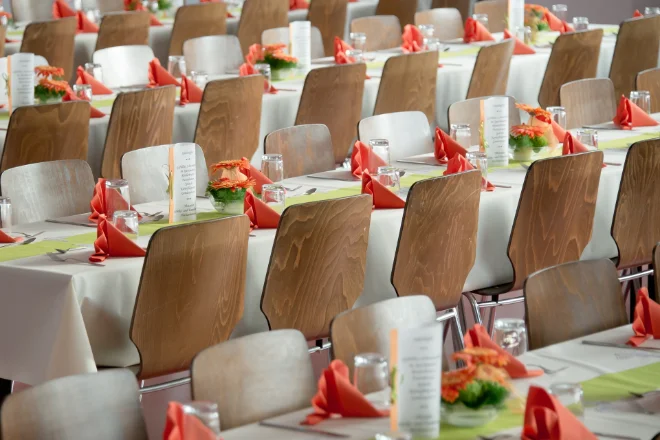
The banquet hall as a plan you drag names into. Tables, chairs, rules and special diets in the same view.
The essentials first
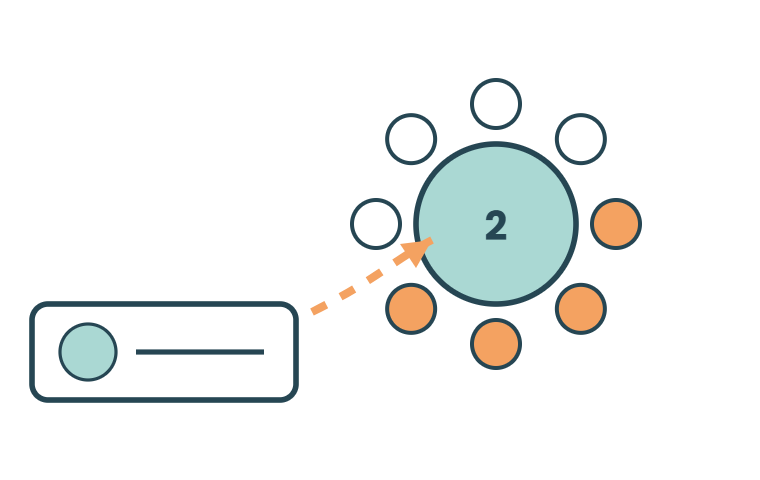
Drag and place
Round tables or rectangular long tables with chairs all round. Drag each guest to where they should sit — taken seats show at once and nobody ends up on two chairs.
Lists and place cards
Names and table numbers are printed from the same seating plan. Change the plan in the morning and the cards still match.
Lists for the kitchen
Special diets totalled per table and per course. The kitchen gets one document instead of twelve emails.
Everything included
The whole seating module in plain words — every feature included. Ask if your banquet needs something that isn't listed here.
The hall
- Draw the hall with tables, stage, dance floor and entrance
- Table shapes: round, long tables, U-shape, theatre seating
- Number of chairs per table, set individually
- Table numbers and names — table 7 or "The Wine Bar"
- Several halls and several sittings per event
- Printable floor plan for the staff
Placing guests
Drag a name to a chair directly in the plan
Place as a group — the whole company at the same table
Keep together and keep apart as rules
Automatic suggestion that follows the rules
Search for a guest and see where they are sitting
Unplaced guests in a list of their own
Locked seats that the suggestion may not touch
Special diets and needs
- Special diet per guest visible in the plan
- Allergies clearly marked
- Totals for the kitchen: the number per diet type
- Accessibility needs — wheelchair space, hearing loop, near an exit
- Diet list per table for the serving staff
Out in the hall
- Place cards with name and table number
- Seating list per table and in alphabetical order
- Table number on the badge or in the app
- The guest sees their seat in the app and on the participant page
- Screen view in the foyer with search by name
Changes
Late changes that take effect everywhere at once
Cancellations that free the chair automatically
Event log: who moved whom, and when
The details that make the difference
The things that turn up in week three of planning — built in from the start.
Seating rules
Keep a company together or spread them out on purpose. Locked guests stay where you put them.
Several halls
Dinner, lunch and the reception can have different plans for the same participant list.
Table hosts
Mark the host at each table and send them their guest list in advance.
Last minute
No-shows on the day are moved in the plan and the kitchen gets an updated count.
748 guests seated in one evening — and the kitchen got the special diets without us counting them ourselves.Banquet manager, anniversary dinner