


Really there — even from a distance
Stream, participant list, chat and raised hands in one window. Someone sitting at home can ask for the floor, put their question and vote on the same terms as someone in the conference room. Everything can be adapted to your visual identity and set-up.
The essentials first
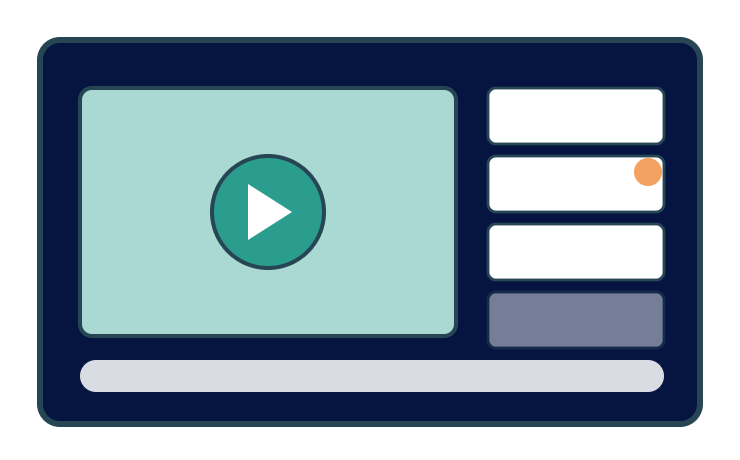
A stream with participants
The broadcast on the left, the participants on the right, or the other way round. You can see who is there — not just a video window.
Ask for the floor
One button and a place in the queue. The chair sees the same queue as the room's list of speakers.
Voting from a distance
Have your say on a phone — counted in the same voting register as the votes in the room.
Everything included
The whole digital arena in plain words — every feature included. Ask if what your hybrid set-up needs isn't listed here.
The broadcast
- Streaming in the browser — nothing for the participant to download
- Several parallel stages the participant switches between
- Speaker video and presentation side by side
- Recording made available afterwards
- Subtitles and interpretation as a separate audio channel
- Broadcast status with a technical check before the start
Taking part
Login linked to the registration — only registered participants get in
Participant list with the option to stay hidden
Chat for the whole event, per session or one-to-one
Raised hands with an order of speakers
The floor to the remote participant with microphone and camera
Questions and polls on the same terms as in the room
Private messages between participants
Hybrid
- The same programme for the room and the remote audience
- Joint voting where both groups count in the same result
- A shared question queue from the room and from home
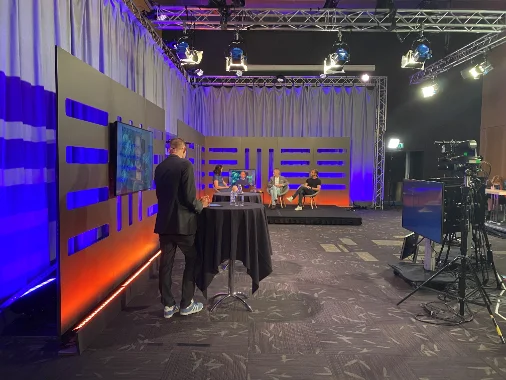
- Moderator view that sees both channels
- Digital attendance logged just like attendance on site
The space around the broadcast
Your own identity: logo, colours, background
Different layouts for different occasions — and they can be switched live!
Programme view with clickable sessions
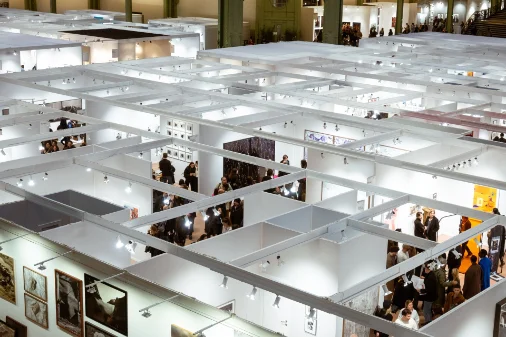
Digital exhibition hall with stand rooms and contact
Networking rooms for smaller groups
Material to download per session
Operation and follow-up
Live support for participants is included
Technical support and a dress rehearsal before the broadcast
Number of viewers in real time, per stage
Viewing time per participant and session
Chat log and question log saved
Recordings on demand after the event, with access control
The details that make the difference
The things that turn up in week three of planning — built in from the start.
Hybrid
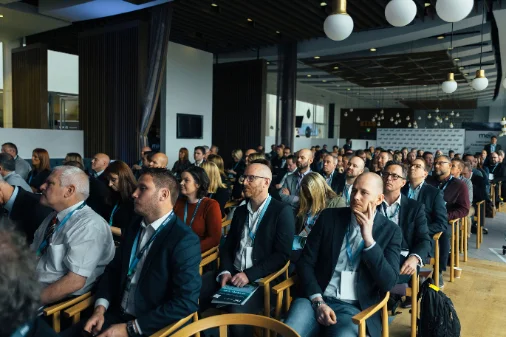
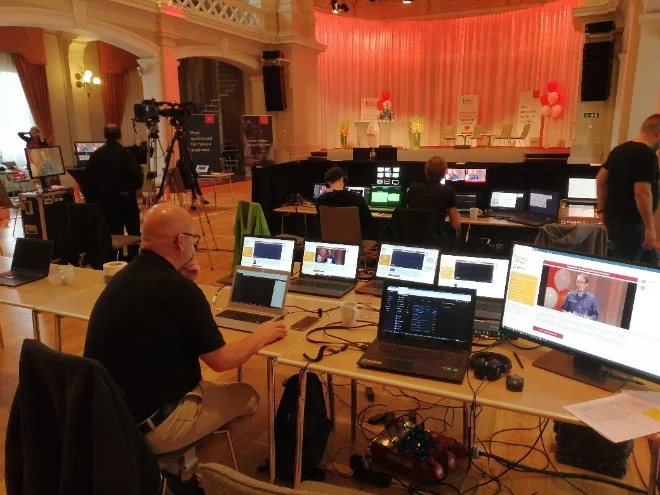
The room and the remote participants in the same meeting, with the same programme and the same decisions.
Questions for the panel
Participants send questions for the moderator to choose from — without interrupting.
Afterwards
The session stays available for anyone who missed it, with the same login.
Bandwidth
The quality adapts to the connection — sound always comes first.
Half the participants were at home. Everyone felt just as present.Chair of the meeting, national assembly