
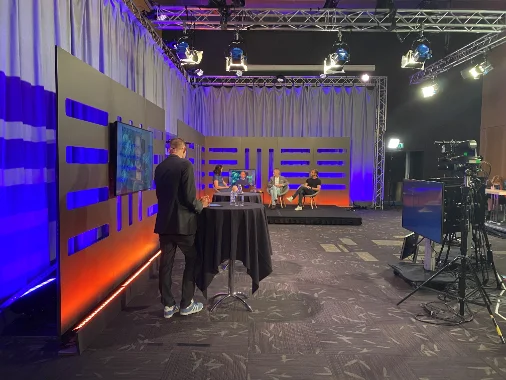


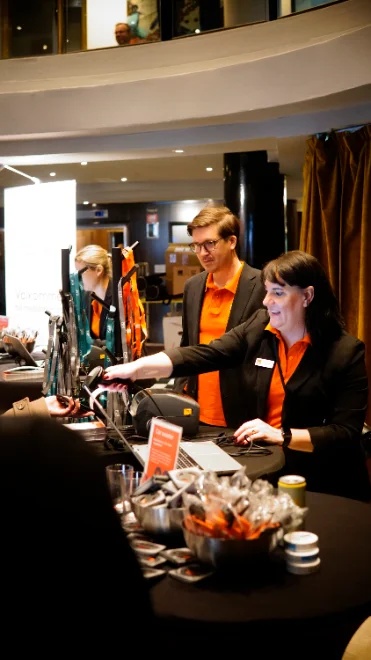
Badges printed fast, on site
Name, company, role and QR code printed in a second or so. No local network needed — everything is connected to the internet.
The essentials first
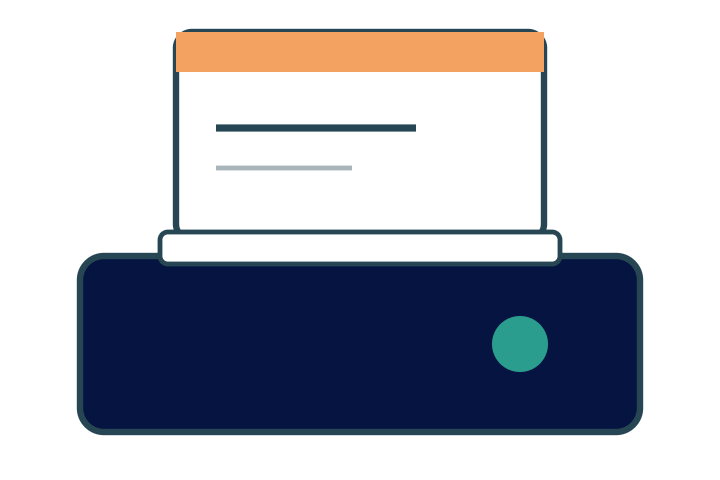
Badges on demand
No box of pre-printed badges to search through. The badge is printed when the participant checks in, with whatever is in the system at that moment.
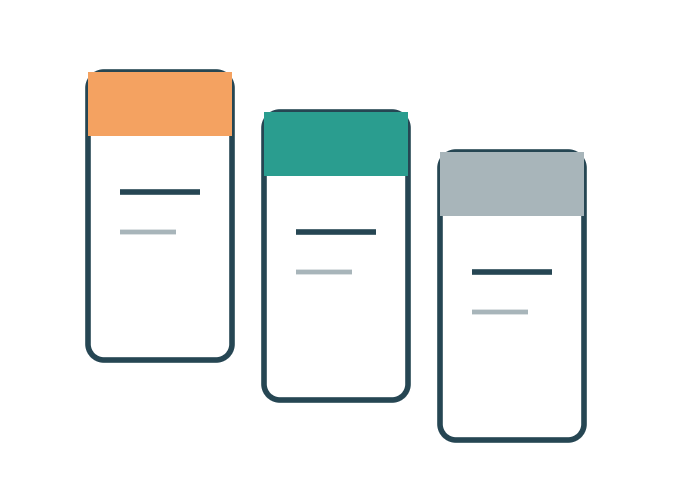
Different kinds of badge
The system supports everything from simple thermal badges to more advanced ones with colour printing, and plastic cards when security matters.
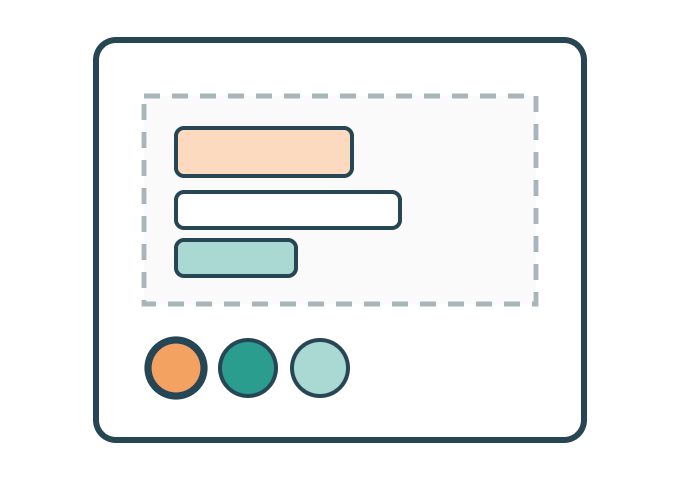
Badge editor
Fields, colours and logo are set in the badge editor, and you can see straight away how the badge will look when it comes out of the printer.
Everything included
The whole badge module in plain words — every feature included. Ask if your badge format isn't listed here.
Badge template — editor
Your own design with logo, variables, colours and layout
Name, organisation, role and title in a size of your choice
QR code for scanning at the entrance, in zones and at sessions
Symbols/colours for different participant types or ticket types
Portrait photo where it is required
Icons for track, language, special diet or speaker status
Double-sided badge with the programme or a map on the back
Format and printing
Common badge formats and custom sizes
Label printers and ordinary office printers
Several printers connected to different stations
Printing in seconds while the participant waits
Reprint when something went wrong, with a new badge at once
Pre-printed mode for anyone who wants everything ready in advance
Several printers at the venue, connected directly to the internet
The flow at the entrance
Scan and print in one step
Scan from a computer or phone — straight to the printer
Search by name, organisation and so on and print
Self-service where the participant prints their own badge
Self-registration with printing
Help desk — spelling mistakes, a new title, a change of company and so on
Control
Print log — who got a badge, when and at which station
Number printed per role and per station
Preview of the badge before the real print
Test print to calibrate the printer
Reports — how many came through which entrance
The details that make the difference
The things that turn up in week three of planning — built in from the start.
Several printers
Stations at different entrances share the same queue and the same participant list.
Reprint
A misspelled name or a lost badge — a new print on site, and the old one is blocked.
Format and material
A6, credit-card size or double-sided, with a lanyard or a clip.
Self-service
The participant scans their QR code at a station of their own and takes the badge themselves.
Three seconds per badge. We had one station fewer than last year and still no queue.Entrance manager, trade show