







Registration in, confirmation out — and everything in between
A form the participant understands and a confirmation email that contains everything they need. In many different ways, depending on the set-up you work with.
The essentials first
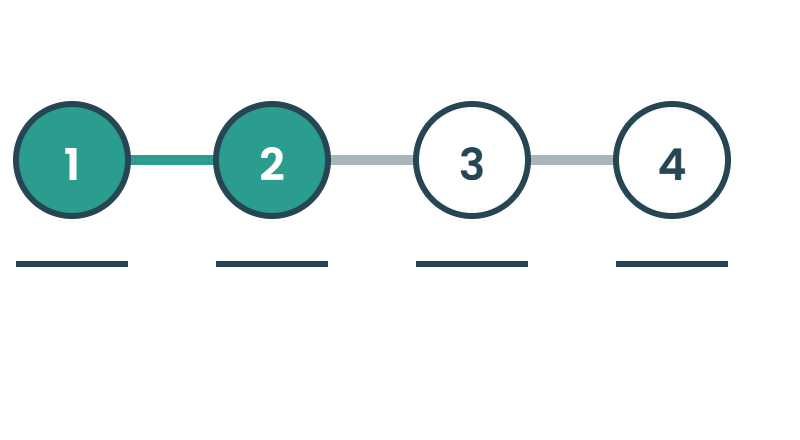
Step by step
Details, extras, payment, done. The participant always sees where they are in the flow and what is left. You decide the order things come in.

Confirmation in the inbox
QR code, calendar file, receipt and practical information in one email that goes out straight after registration.
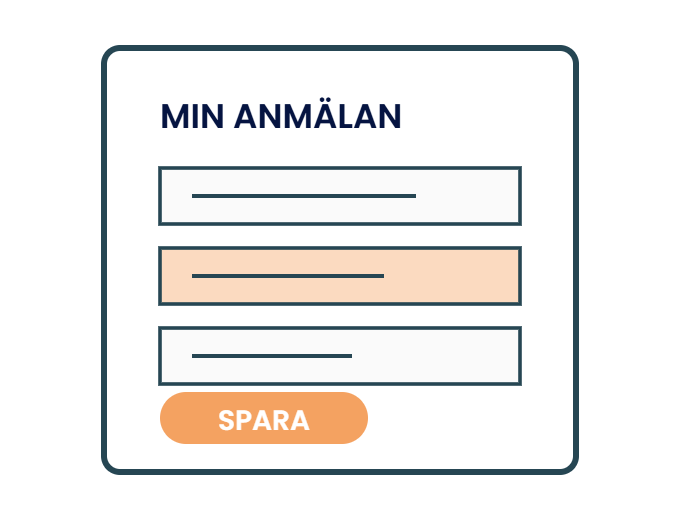
Changing a registration
The participant gets a link in their confirmation to make changes, add sessions or cancel.
Everything included
The whole module in plain words — every feature included for simple or complex registrations. If you need something that isn't listed here, tell us!
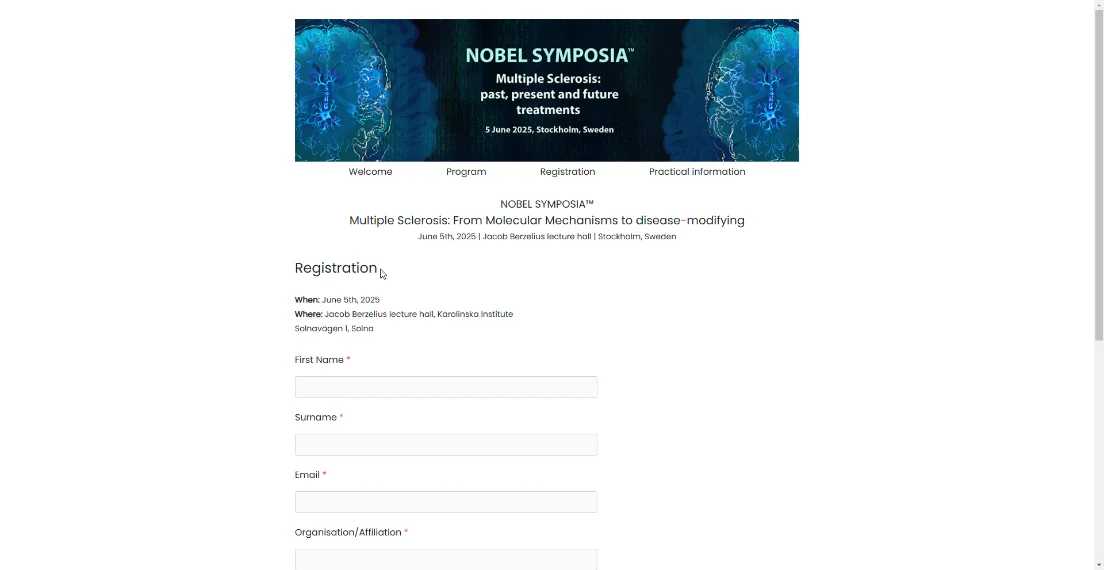
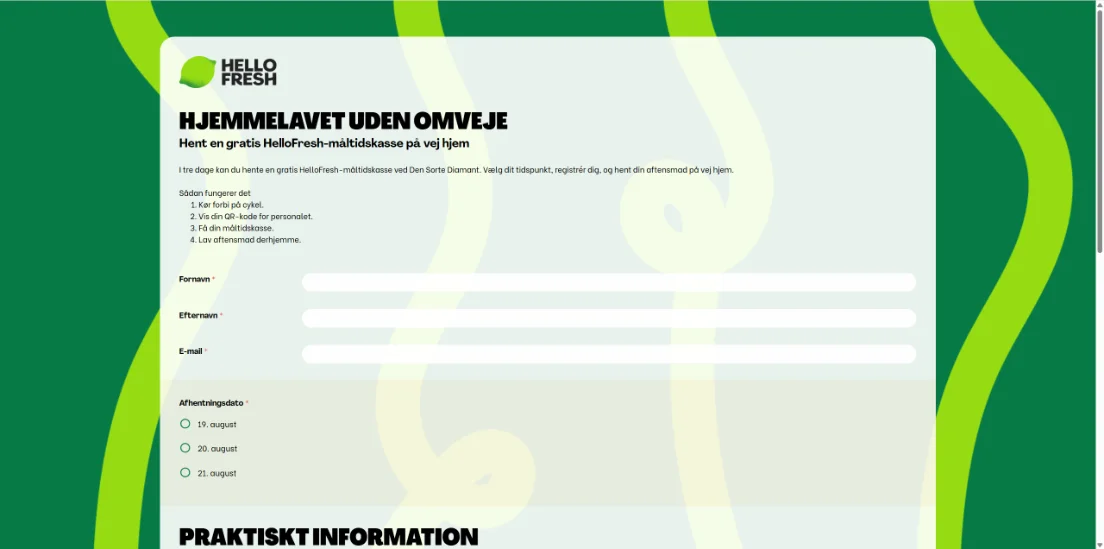
The registration form
Custom fields — text, multiple choice, drop-down, date, number, file upload
Required fields that can't be skipped
Conditional fields that only appear when an earlier answer calls for them — between every kind of element on the form.
Several steps with a clear progress indicator
Saved progress — the participant can pick up a registration they started
Group registration where one person registers several people and everyone gets their own confirmation, or everything goes to the group leader.
Your own text in headings, help texts and the thank-you message — in fact everywhere the participant sees text.
Consent and terms with a checkbox and a saved timestamp
Multilingual form — the same registration in several languages, and you edit it in one place.
The event's visual identity on the form: logo, colours, typefaces
Tickets and extras
Several ticket types with their own prices and terms
Price periods — early bird that switches to the standard price on a set date
Discount codes as an amount or a percentage, with a limited number of uses
Hidden tickets that can only be reached through a direct link
Extras: dinner, workshop, seminars, accommodation, transfer, material
Capacity limits per event, per ticket type and per individual extra
Session and track choices in the registration or later
Audience targeting — some tickets for invited guests only
Payment
Card, Swish and invoice in the same flow
Invoice details: reference, company registration number, address, cost centre
VAT per ticket type and extra
Receipt created and sent automatically
Payment status visible per registration
Refunds on cancellation, in full or in part
Cancellation rules with cut-off dates and fees
Free events — the whole payment step can be switched off
GLN numbers — direct look-up of GLN numbers
Reference handling — reference numbers checked against the organisation
Confirmation and emails
Confirmation email as soon as the registration is complete
QR ticket for check-in on site
Calendar file that puts the event in the participant's calendar
Automatic reminders before the event, with the ticket again
Your own sender and your own email design
Email on changes — a new confirmation when the participant changes something
Your own sender with DKIM — send from your own domain
Your view as organiser
Registration list with search and filters on every field
Selections — pull out exactly the right group for the right stakeholder
Export to Excel, of a selection or everything
Status overview: registered, paid, unpaid, cancelled
Manual registration for people who phone in instead
Edit a registration on the participant's behalf
Bulk emails to a chosen selection of registrants
Permissions — let someone read the list without being able to change it
Event log per registration: what changed, when and by whom
Real-time figures on registrations, revenue and places left
The participant's own page
- Change their details without contacting the organiser
- Swap or add extras, with the price adjusted
- Cancel according to the event's cancellation rules
- Fetch the ticket and receipt again when the email has gone missing
- Sign in with a link — no password to forget
How it looks in practice in Jirango

The details that make the difference
The things that turn up in week three of planning — built in from the start.
Flexible design
Put the fields, questions and everything else in the order you want — not the order a system happens to be built in.
Group registration
One person registers five colleagues and everyone gets their own confirmation. The invoice goes to the group leader and the others come along with it.
Your own questions
Ask about allergies, session choices or an invoice reference — and make the fields required when they have to be.
Reminders
Automatic emails before the event — with the ticket attached again.
We took 1,800 registrations, and fairly complex ones. We sent zero confirmations by hand.Congress manager, medical congress