




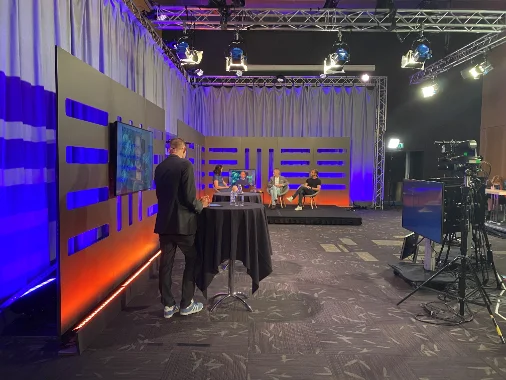


Short questions that give you the participants' view
The survey goes out when the session ends and the answers arrive as ratings per session. You build the survey to fit your event exactly — the same way as pages and forms.
The essentials first
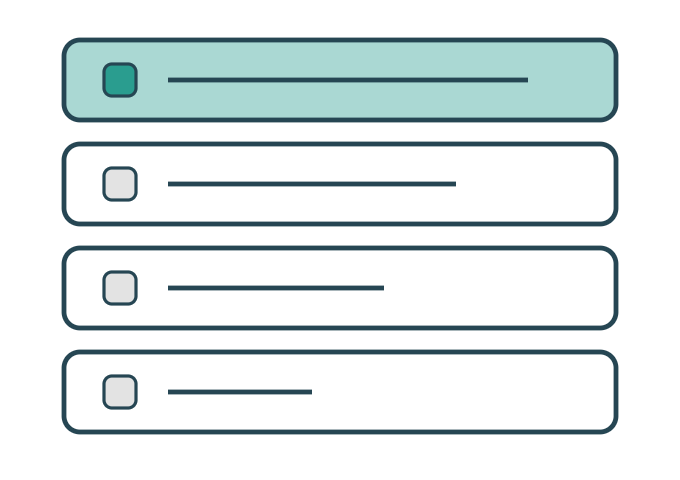
Question types as building blocks
Scale, multiple choice, free text and NPS. Put the survey together from parts instead of starting over every time. All on one page or across several.

The survey on a phone
The participant answers on the way out of the room, not three days later. The trigger is the session's end time. Participants only answer about sessions they actually attended.
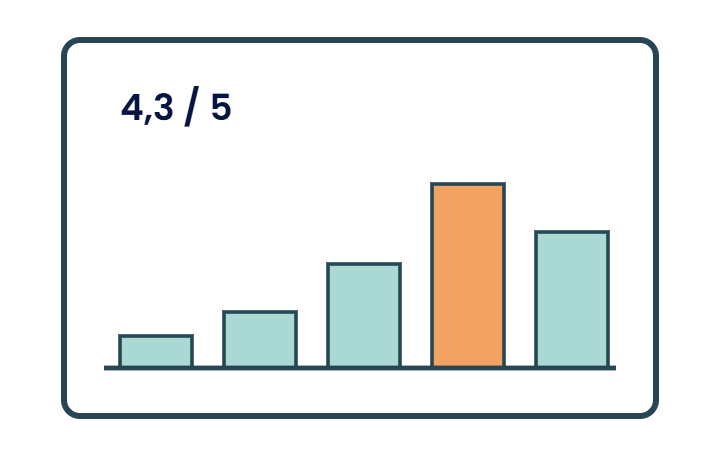
The answers add themselves up
Ratings per session and per event, with the comments gathered together. The groundwork for next year writes itself.
Everything included
The whole survey module in plain words — every feature there is. If you need a question type that isn't listed here, tell us.
Building the survey
Question types: scale, rating, multiple choice, single choice, free text, NPS, yes/no, ranking
Conditional questions that only appear after a particular answer
Conditions from activity — questions that only appear if the person attended the session.
Required and optional questions in the same survey
Pages with a progress indicator
Question bank and templates so last year's questions can be reused
Multilingual survey, per question and for all the text around it.
Your own identity on the survey: logo, colours, thank-you message. The same one you use everywhere else, or one of its own.
Sending it out
- Triggered by the session's end time — the survey arrives once the room has emptied
- Sent by email or text message, or a QR code on the screen in the room
- Survey in the app with a notification
- Choice of recipients: everyone registered, one track, one ticket type, checked-in participants
- One reminder to those who haven't answered — nothing more to those who have
- Open link for anyone not on the participant list
- Response period that opens and closes on set dates
Anonymity and traceability
- Anonymous answers that can still be linked to a session and ticket type
- Named answers when follow-up is needed
- One answer per person, or several allowed
- Consent text before the first question
Results
Ratings per session and per speaker
Average for the whole event and comparison between sessions
Free-text comments gathered per question and session
Response rate in real time while the survey is open
Charts per question, right in the view — pie charts or bar charts.
Comparison across years when the same questions have been used
Out of the system
- Export to Excel of the raw data
- Report per session to send to the speaker
- Summary for the board or the client
- Shareable link to the results view for people without an account
Want to ask the question while the event is going on?
Polls, audience questions and quizzes in the room are in the interaction module — the surveys are for what needs to be compiled afterwards.
The details that make the difference
The things that turn up in week three of planning — built in from the start.
Templates and question bank
Reuse last year's questions so the figures can be compared over time.
Anonymous answers
An answer can be linked to a session and ticket type without pointing to the person.
Visually flexible
Build the survey exactly the way you want, with sections of text, images and questions.
Export
Raw data out to your own analyses, or a ready-made report per session.
We got a 61 per cent response rate on the evaluation when people only had to answer about what they had attended. Before, we were at 12.Evaluation manager, annual conference