



The right colour, the right access for the right group
Press, speakers, staff and exhibitors apply — you approve them in a queue. The badge is printed with the right roles and gives access to exactly the areas the role should have.
The essentials first
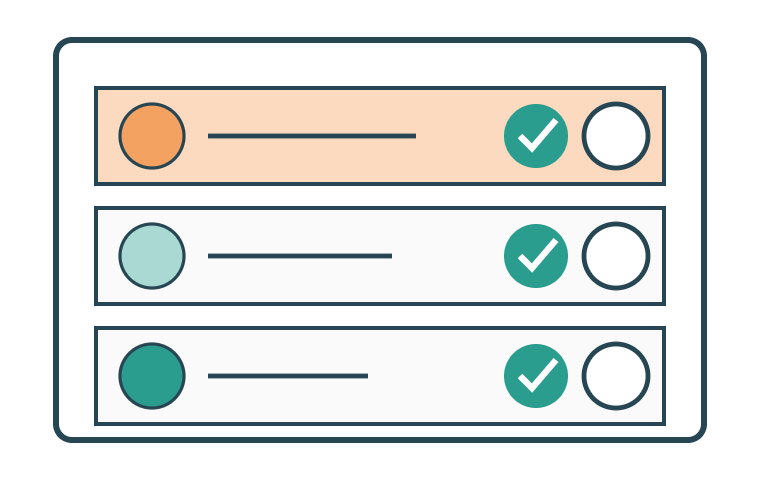
Approve in a queue
Every application in one list, with approve or reject. The decision is emailed out automatically, with the reason.
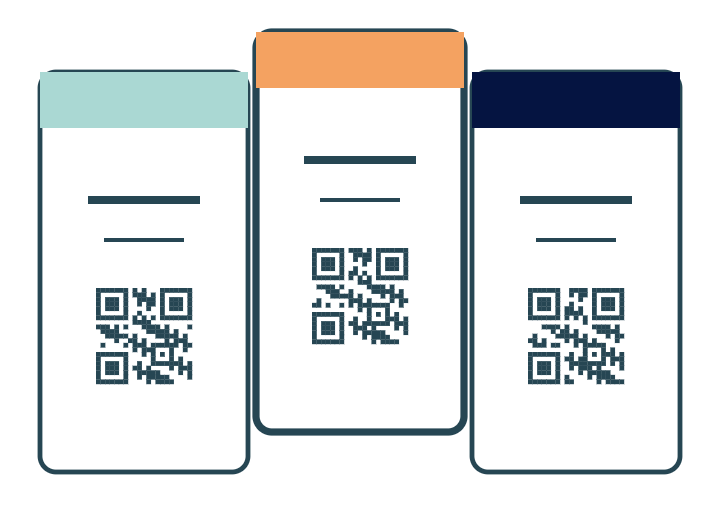
Badge with a role band
The same template, a different colour. The role can be seen right across the venue — by the staff and by the participants.
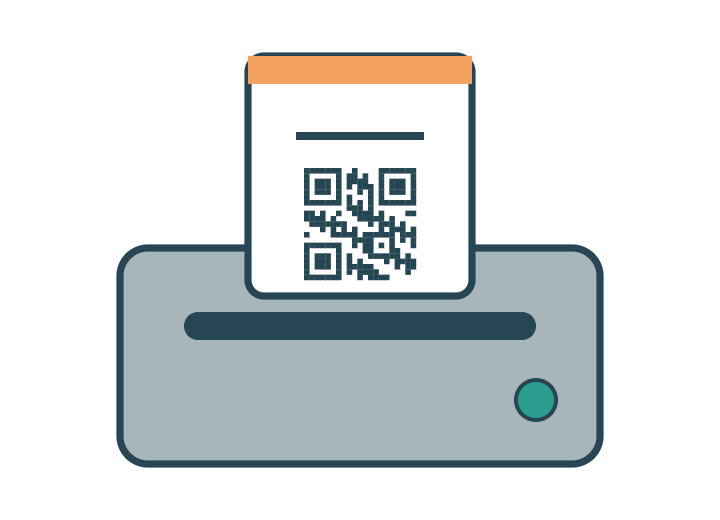
Print on site
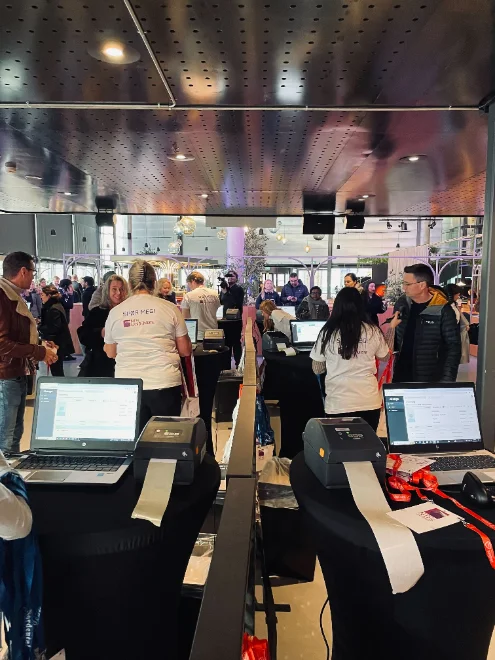
The badge is printed when the person is standing at the entrance. No boxes of pre-printed names to search through.
Everything included
The whole accreditation module in plain words — every feature included. Ask if the role or rule you need isn't listed here.
Application
- Application form per role: press, speaker, staff, exhibitor, volunteer, VIP
- Custom fields per role — newsroom, press card, company, stand number
- File upload for ID, portrait photo or certificates
- Opening and closing of applications on set dates
- Invitation link for a selected group
- Group application — one contact person applies for the whole team
Review and decision
- Approval queue with every application in one list
- Approve or reject individually or as a group
- A reason that goes out with the decision email
- Several reviewers with their own permissions
- Status filter: new, under review, approved, rejected, awaiting more information
- Ask for more information without rejecting
- Automatic decision email with the next step
Badge and role
Badge template with a role band in its own colour per role
Name, organisation, role and QR code on the badge
Portrait photo on the badge where it is required
Printing on site when the person is standing at the entrance
Durable badges — plastic cards when they are needed
Access
- Zones: stage, backstage, press room, VIP lounge, exhibition area
- Access rules per role — who may be where, and when
- Time-limited access for a day or a session
- Scanning at the zone, with denied access visible at once
- Log of who has passed through which zone
Overview
- List per role with search and filters
- Numbers per role and per zone in real time
- Export to Excel or to the head of security
- Contact list for press and speakers
- Event log per application: what changed, when and by whom
The details that make the difference
The things that turn up in week three of planning — built in from the start.
Access levels
Lounge, backstage, workshop or dinner — tied to the role, not to the person.
Application form
Press upload their press card, speakers their bio. All in the same application.
Your own badge design
Logo, field placement and size adapted to the event's visual identity.
A new badge
A lost badge is blocked and reprinted in ten seconds.
Press accreditation took a morning instead of two weeks.Head of press, international trade fair